
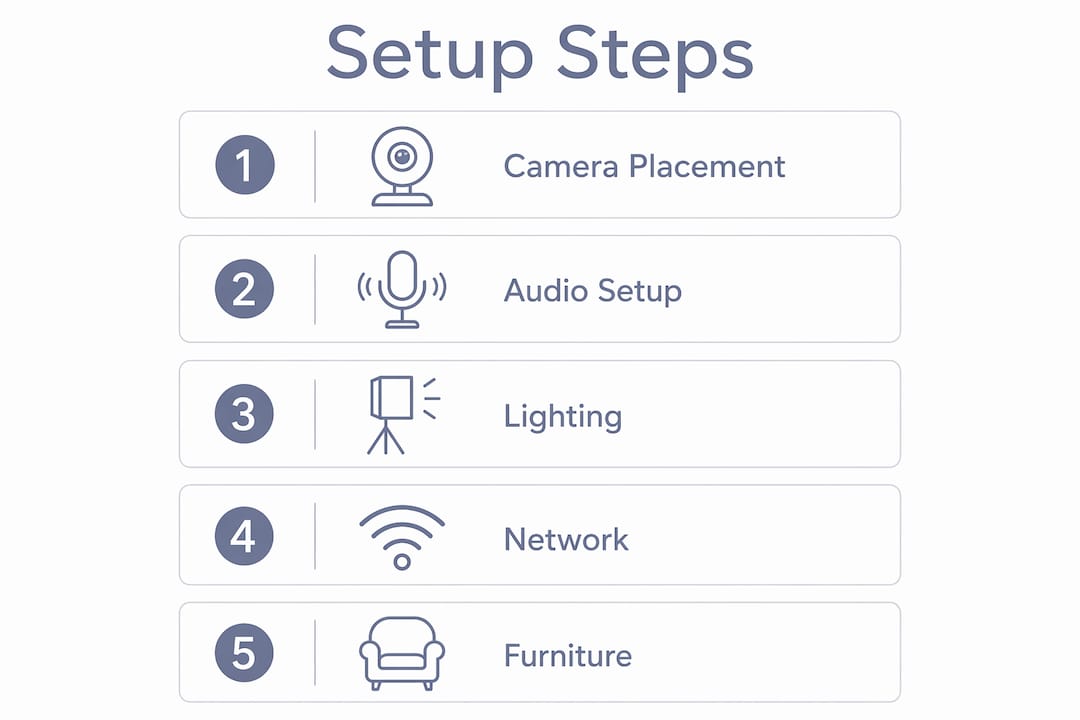
A great video conferencing room setup is not about buying the most expensive gear. It is about getting the right camera angle, the right acoustics, and the right light so that nobody on the call looks like a shadowy ghost or sounds like they are calling from inside a submarine. Whether you are renting a meeting room for a client pitch or a team deep-dive, these are the elements that actually matter:
- Camera placement: eye-level framing at 45–47 inches from the floor (below screen) or no higher than 71 inches (above screen)
- Audio: ceiling microphone arrays with beamforming and echo cancellation
- Lighting: front-facing, balanced color temperature, no harsh overhead-only sources
- Network: minimum 10 Mbps symmetrical per active room, dedicated VLAN with QoS
- Layout: U-shaped or angled seating for equal sightlines
- Displays: sized and mounted at seated eye level (116–127 cm from the floor)
- Cables: grouped, raceways used, power and data separated
Itirium Group and Komstadt both recommend starting from human interaction and sightlines, not from a product catalog. Centro House Marbella builds every meeting room around exactly that philosophy.
Table of Contents
- ## 1. How camera placement shapes your video conferencing room setup
- 2. Audio is the thing remote participants actually complain about
- 3. Lighting is the most neglected part of any video meeting setup
- 4. Network specs that keep your calls from falling apart
- 5. How Centro House Marbella gets hybrid meetings right
- 6. How to choose and position your display screens
- 7. Ambient environment: temperature and lighting control
- 8. Furniture that makes your meeting room actually work
- Centro’s meeting rooms are ready when you are
- Key Takeaways
## 1. How camera placement shapes your video conferencing room setup
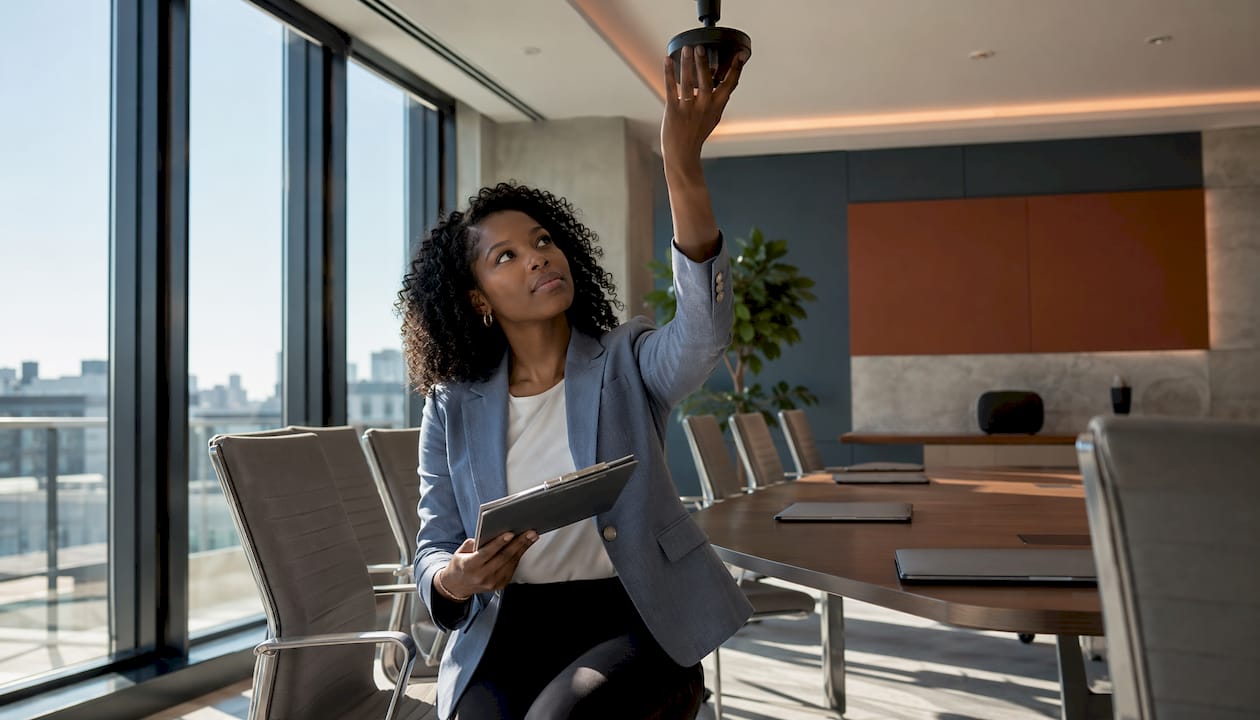
Camera height is the detail most people get wrong, and it costs them every call. Industry standards specify 45–47 inches from the floor when the camera sits below the screen, and a maximum of 71 inches when it sits above. Go higher than that and everyone on the remote end gets a lovely view of your ceiling tiles.
For hybrid meetings, U-shaped or angled seating is the layout that actually works. Every participant faces the camera naturally, nobody is stuck in profile at the end of a long rectangular table, and the open end of the U gives you space for a whiteboard or content camera.
- Place the camera centered above or below the primary display
- Match field of view to room depth (wide-angle for rooms under 15 feet, PTZ for deeper spaces)
- Use intelligent framing software to auto-crop to occupied seats and keep speakers in focus
- Avoid high-wall mounts that create a downward angle distorting faces
Pro Tip: Put a sticky note at 47 inches on the wall before you mount anything. Stand back and look at it from the seating area. That is exactly what remote participants will see.
| Room size | Camera type | Seating layout |
|---|---|---|
| Small rooms | Wide-angle USB bar | Rectangular or round |
| Medium rooms | PTZ camera with zoom capabilities | U-shaped or angled |
| Large rooms | Dual PTZ with speaker tracking | U-shaped or boat-shaped |
2. Audio is the thing remote participants actually complain about
75% of remote workers report difficulty hearing participants in hybrid calls. Not video issues. Audio. That stat should make you reprioritize your budget immediately.
Ceiling microphone arrays with beamforming technology are the gold standard for medium and large rooms. They reject HVAC noise, hallway bleed, and the guy tapping his pen, while picking up every voice in the room uniformly. Pair them with a DSP (digital signal processor) for echo cancellation and automatic gain control.
- Use ceiling arrays and beamforming mics for rooms over 14 feet deep
- Add acoustic panels on hard walls and glass to cut flutter echo
- Place mute controls within reach of every seat, not just the head of the table
- Run post-installation tuning in your microphone’s DSP software to set gain structure and noise gates for the specific room
Pro Tip: Do a clap test in an empty room before installing anything. If you hear a sharp echo bouncing back, you need acoustic treatment before you need a better microphone.
3. Lighting is the most neglected part of any video meeting setup
Bad lighting makes a $3,000 camera look like a potato. Front-facing, balanced light is the fix, and it costs far less than most AV upgrades. A key light at roughly 45° to the side and slightly above creates natural definition without harsh shadows.
Mixing warm bulbs with daylight-temperature LEDs in the same room produces color casts that make everyone look vaguely unwell. Pick one consistent color temperature and stick with it across every fixture.
- Position the primary light source in front of participants, never behind them
- Avoid overhead-only lighting, which creates deep eye shadows
- Use automated blinds or shades to control natural daylight without blocking it entirely
- Tunable LED systems let the room shift from bright workshop mode to softer presentation mode
Pro Tip: If your meeting room has a window on the wall behind participants, automated blinds are not a luxury. They are the difference between a professional call and a silhouette parade.
4. Network specs that keep your calls from falling apart
Raw speed matters less than consistency. Packet loss above 1% and jitter above 30 ms will degrade audio and video noticeably, even on a fast connection. A business-grade connection with a Service Level Agreement beats a faster consumer plan every time.
- Allocate sufficient symmetrical bandwidth per active conference room to support stable video conferencing
- Segment conference room devices on a dedicated VLAN with QoS policies prioritizing video traffic
- Tag video traffic with DSCP EF markings so it moves ahead of standard data packets
- Use one-touch meeting start controls and standardized hardware to cut setup time to under a minute
- Group cables with ties, run raceways along walls, and keep HDMI/USB lines separate from power cables
5. How Centro House Marbella gets hybrid meetings right
Centro earned the title of Best Office in Spain from the European Property Awards, and the meeting rooms reflect that standard. The design follows the Itirium Group principle of starting from human interaction first, technology second.
Members report measurable results: 70% experience improved health and 68% report better concentration, thanks to the wellness environment surrounding the workspace. That is not a coincidence. When the space itself reduces stress, meetings become sharper.
- Ergonomic furniture arranged for balanced sightlines and camera coverage
- Technology integrated for hybrid work without friction
- Wellness amenities (gym, pool, terrace) that keep members focused between calls
6. How to choose and position your display screens
Display size should allow the furthest seated participant to read fine text comfortably, with viewing distance roughly proportional to screen size. Mount the display so the center is at seated eye level. For rooms running dual displays, one screen handles the video feed from remote participants and the other shows shared content. That separation removes the awkward choice between watching faces and reading slides.
- Enable low-latency mode (“Game” or “PC” mode) on commercial displays to cut processing delay
- Set brightness, contrast, and color saturation to show remote participants naturally, not washed out
- With dual displays, place the camera at eye level between the two screens for the most natural sightline
7. Ambient environment: temperature and lighting control
Nobody has ever had a great meeting while sweating through their shirt or shivering like they accidentally walked into a walk-in freezer. Temperature control in a meeting room is not a soft amenity. It is a productivity variable. Rooms that run too warm cause fatigue within 30 minutes; rooms that run too cold make people physically uncomfortable and distracted.
Lighting control works the same way. A room that cannot dim for a presentation or brighten for a workshop forces participants to squint or strain. Tunable LED systems with preset scenes (presentation, collaboration, video call) solve this without anyone needing to fiddle with switches mid-meeting. Automated blinds handle natural light so the room adapts to the time of day without anyone thinking about it.
8. Furniture that makes your meeting room actually work
The furniture in a conference room is not decoration. It determines whether the microphone picks up the quiet person at the far end, whether the camera captures everyone without cropping, and whether a two-hour meeting leaves people energized or wrecked.
Curved or angled table edges orient more participants toward the display wall and reduce the depth gap between near and far seats. Chairs with lumbar support and adjustable height matter for calls that run long. Traffic flow matters too: if participants have to walk in front of the camera to reach their seats, every entry becomes a blooper reel moment.
- Choose tables with semi-circular or wider near-camera ends to keep more people in frame
- Avoid long rectangular tables for hybrid rooms; they put people in profile and far from microphones
- Select chairs with lumbar support for meetings over 45 minutes
- Plan cable access and power outlets into the table design, not as an afterthought
Centro’s meeting rooms are ready when you are
If setting up your own conference room sounds like a project you would rather skip, that is exactly what Centro is for. Centro’s meeting rooms in Marbella are built to the 2026 standards covered in this guide: camera placement, acoustic audio, balanced lighting, and reliable business-grade connectivity, all handled before you walk in the door.
You get a luxury coworking environment with wellness facilities that actually help you show up to calls focused, not frazzled. No equipment to buy, no cables to manage, no thermostat wars. Just book the room, connect, and run a meeting that makes you look like you have your whole operation together. Check availability and pricing and book your next meeting room at Centro House Marbella.
Key Takeaways
A professional video conferencing room setup requires camera placement, audio quality, lighting, and network reliability working together, not just expensive gear.
| Point | Details |
|---|---|
| Camera height is critical | Place cameras at 45–47 inches below the screen or no higher than 71 inches above it for natural eye-level framing. |
| Audio beats video quality | 75% of remote workers report difficulty hearing participants in hybrid calls; ceiling arrays with beamforming technology address this challenge effectively. |
| Network consistency over speed | Packet loss above 1% and jitter above 30 ms degrade calls more than raw bandwidth limitations. |
| Lighting is often overlooked | Front-facing light at a 45° angle with consistent color temperature dramatically improves on-camera appearance. |
| Centro handles it all | Centro House Marbella’s meeting rooms are built to 2026 standards; 70% of members report improved health and 68% report better concentration due to the wellness amenities. |